- About us
- Work
- Our process
- Blog
- Career
- QR Code Generator
- Password Generator
- JSON Formatter & Validator
- UUID/GUID Generator
- Base64 Encoder/Decoder
- Hash Generator
- JWT Decoder
- Unix Timestamp Converter
- URL Encoder/Decoder
- IP Address Lookup
- Color Picker & Converter
- Markdown Editor & Preview
- HTML Encoder/Decoder
- Text Diff Checker
- Invoice Generator
- Lorem Ipsum Generator
- Image Compressor
- Image Resizer
- Fake Data Generator
Menu
Archiving System
COMPANY
Archiving System
CATEGORY
Data Archiving / Compliance Management Platform
TIMELINES
Two months (Design, Development & Deployment)
SERVICE WE PROVIDED
KEYWORDS
Share this Case Study:


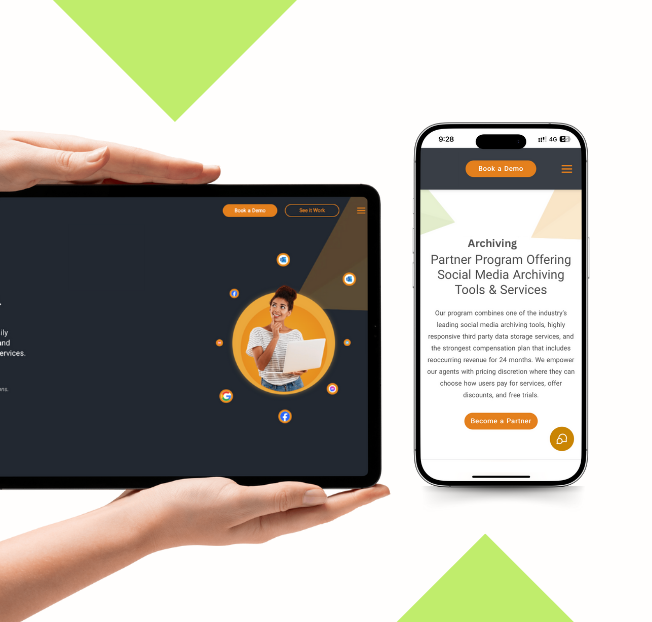
About the Project
The Archiving System is a secure platform designed to back up and archive communications, ensuring compliance and easy access to important data. It helps organizations store emails, messages, and other digital communications in a centralized, organized repository. By maintaining accurate and retrievable records, the system enables businesses to meet regulatory requirements, improve data governance, and quickly access archived information whenever needed.
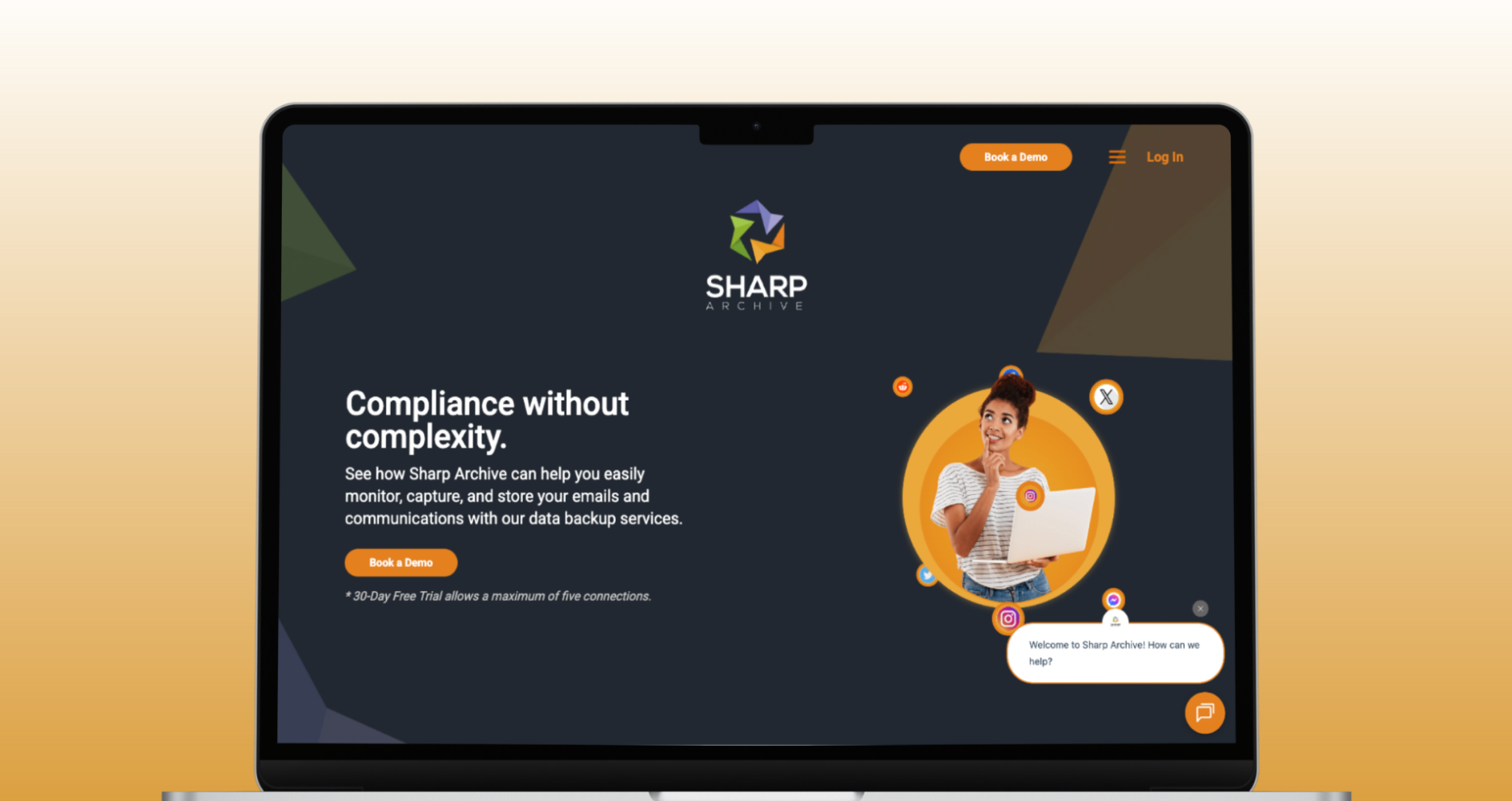
Requirements
The project required a secure and reliable system capable of capturing and storing communications from multiple sources. It needed features for organized archiving, search and retrieval of historical data, and compliance reporting. The platform also had to ensure data integrity, encryption for sensitive information, and role-based access control to manage user permissions. Additionally, a user-friendly interface was needed for administrators to monitor, search, and manage archives efficiently.
Solutions
To meet these requirements, a robust archiving architecture was implemented with automated backup and storage mechanisms. Communications are captured in real-time and stored in encrypted formats to ensure security and compliance. Advanced search and filtering tools allow quick retrieval of archived data, while reporting modules help track access and compliance metrics. Role-based access ensures that only authorized users can view or manage sensitive information, maintaining strict data privacy standards.
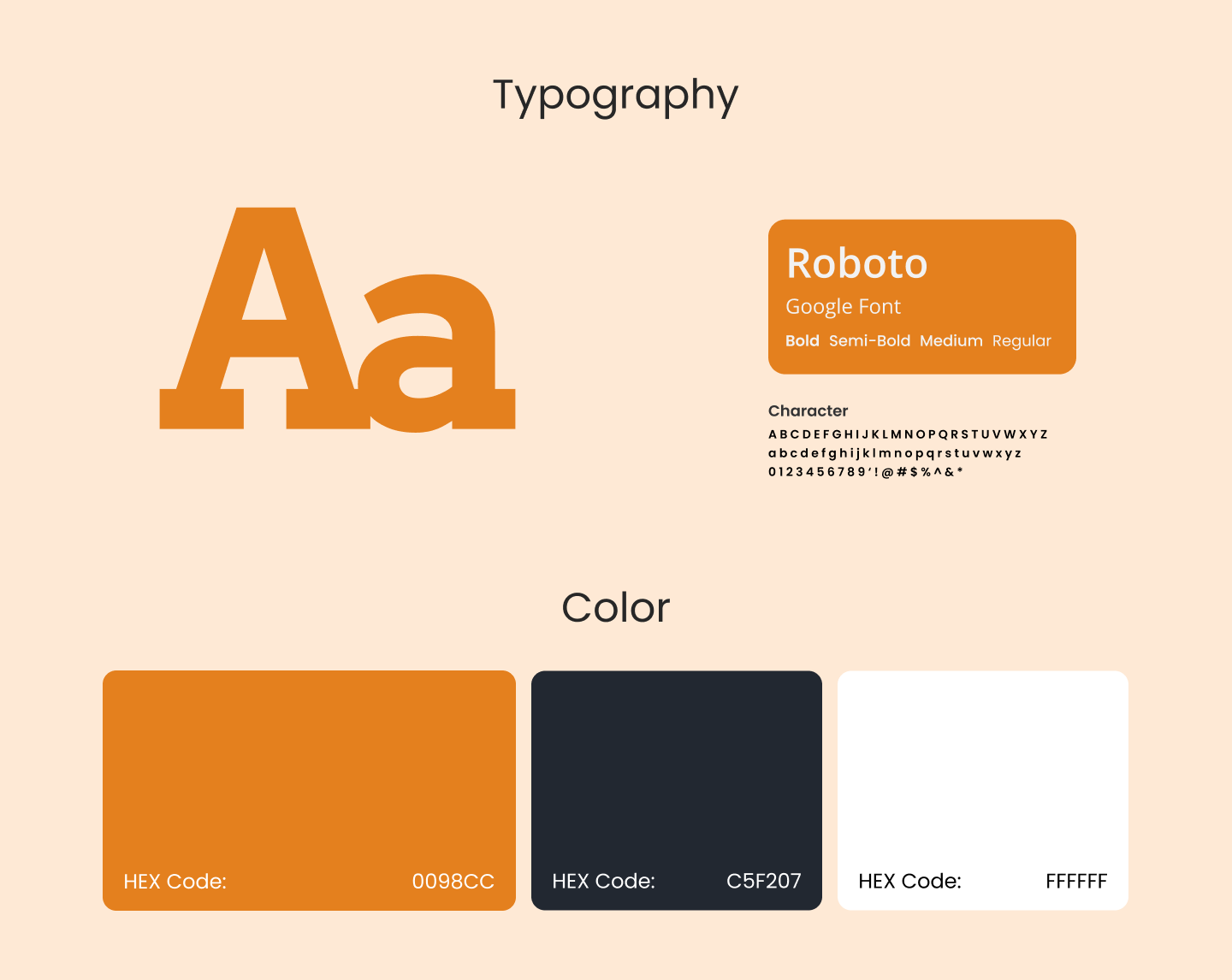
Design System
The design system focuses on clarity, usability, and professionalism. Components for dashboards, search tools, and reporting were standardized for consistency. Clean typography, structured layouts, and intuitive navigation make it easy for administrators to manage archives efficiently and retrieve information without hassle.
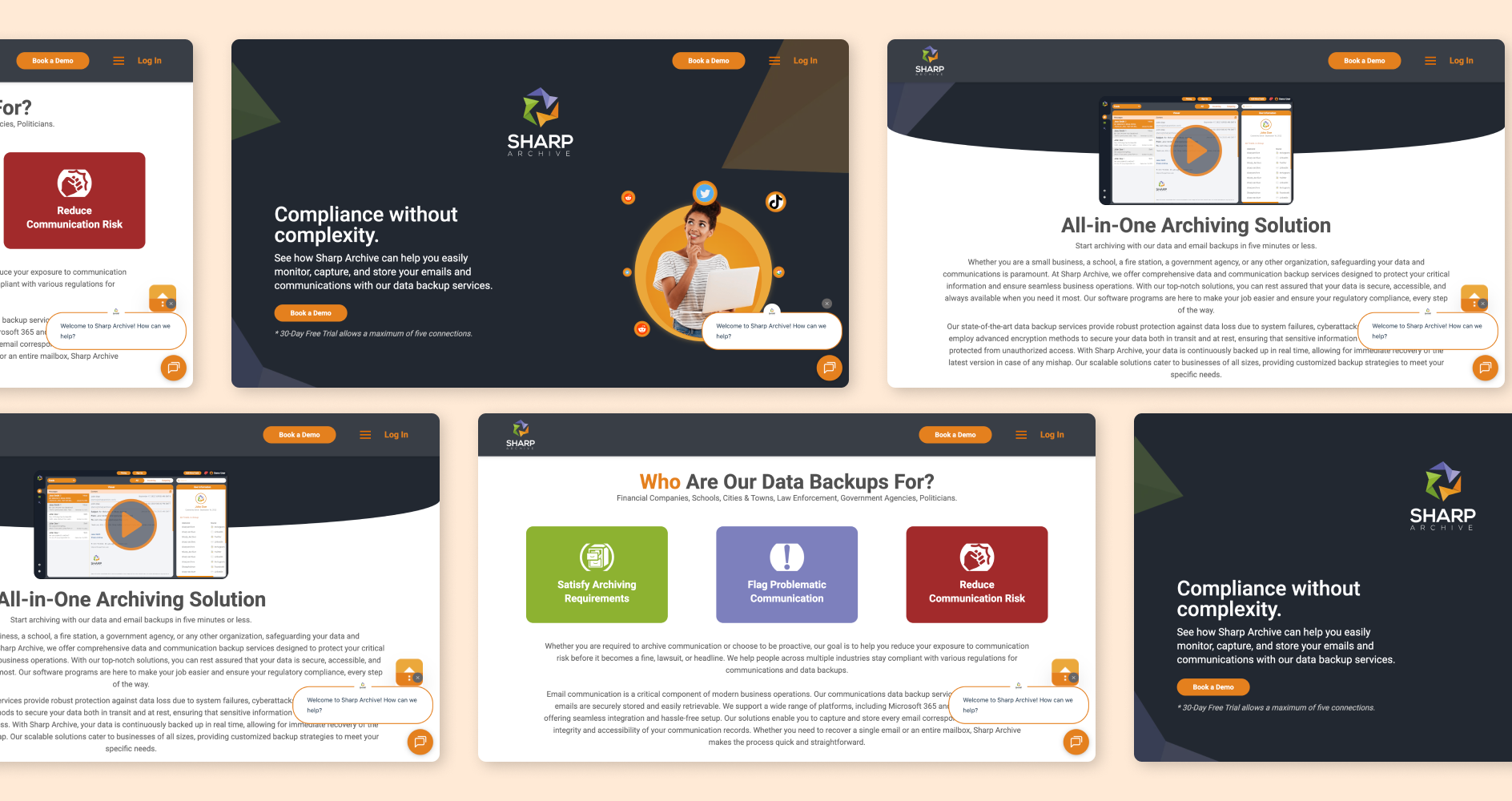
Color Palette
The visual identity uses deep blue to convey trust and reliability, accented by neutral grays for a professional look. Highlights in brighter shades indicate notifications or important actions, while light backgrounds ensure clarity and readability.
Have a great idea?
Have a great
idea?

We’ll assign a dedicated manager for you.
Inquiries
info@devxhub.com
Not Interested in submitting the form? Book A Call Directly

Company
- Services
- About us
- Our process
- Career
- Blog
- Schedule a Meeting
- Products
- Tools
See Company Profile

HIRE SPECIALIZED TALENT
Frontend Developer
Backend Developer
App Developer
MERN STACK Developer
Java Developer
.NET Core Developer
Software Architect
AI/ML Engineer
DevOps/Cloud Engineer


© 2026, Devxhub Limited, All Rights Reserved.